

Web Design & Development
Websites built on the right platform, not our favourite one
WordPress, Shopify, Webflow, Wix, Squarespace — or custom-coded. The platform is a decision, and you get to see the working.
We are proud to work with these companies






















Fit
Who this is for.
Your site looks dated next to the people you lose work to.
It loads slowly on a phone, which is where nearly all of your traffic is.
You want to change a price or a photograph and cannot do it without paying someone.
Scope
What arrives.
The platform decision
- A recommendation with the reasoning shown, including when it is not a custom build
- Chosen against who edits it, how often, and what it has to do
- The trade-off you are accepting, said out loud before you commit
Design
- Designed against your content rather than around a layout chosen before we read it
- Every breakpoint drawn, because most of your traffic is a mid-range phone
- A system you can extend — type scale, spacing, components — not a set of one-off pages
Build
- Custom-coded where it earns its keep, platform-native where that is the honest answer
- Accessible to WCAG AA, tested with a keyboard and not only with a scanner
- Measured on a throttled phone before launch, not on the machine that built it
Handover
- Domain, hosting, code and every account in your name, transferable on request
- Training, or a written handover — whichever suits whoever will actually edit it
- Sixty days of fixes after launch
Standard
24 things ship as standard.
You will never see most of them. That is rather the point — the work that keeps a site fast, findable and out of trouble is the work nobody notices until it was skipped.
Foundation
- Domain and hosting set up in your name, on your card
- DNS configured
- SSL
- A staging site to review before anything goes live
- A 404 page that helps rather than dead-ends
- Favicon and app icons
Build quality
- Responsive at every breakpoint
- Cross-browser tested
- Accessible to WCAG AA
- Open Graph cards, so a shared link does not arrive blank
Performance
- Core Web Vitals measured on a throttled phone
- Images served as AVIF and WebP, sized and lazy-loaded
- A page-weight budget the build is held to
Findable
- XML sitemap and robots.txt
- Schema markup
- A 301 redirect map when a site is being replaced
Trust
- Spam protection on every form
- Privacy policy, terms and cookie policy, written for your jurisdiction
- A consent banner wired to the tags
- Backups at the hosting provider, daily or weekly by plan
- Uptime monitoring at the hosting provider
Handover
- Every account in your name, and transferable
- Training, or a written handover
- Sixty days of fixes after launch
Add-ons
And what you can bolt on.
None of these is assumed, and none is padding. Each is quoted on its own, so you can see exactly what it adds and take the ones you want.
Measurement and tracking
- Google Tag Manager
- Google Analytics 4
- Google Search Console
- Meta Pixel
- LinkedIn Insight Tag
- Google Ads conversion tracking
- Microsoft Clarity
- Bing Webmaster Tools
- Consent Mode v2
Capture and convert
- Live chatbot
- WhatsApp Business integration
- Click-to-call and call tracking
- Booking and scheduling
- Custom forms, calculators and quote tools
- Multi-step forms with file upload
- Enquiry routing and notifications
- Lead magnets — gated download and delivery
- Reviews and testimonials
- Sticky mobile CTA bar
- A/B testing
Commerce and payments
- Payment gateway — Razorpay, Stripe, PayPal
- Cash on delivery
- Multi-currency
- GST and tax configuration
- Product catalogue
- Subscriptions and recurring billing
- Shipping integration — Shiprocket, Delhivery
- Order tracking
- Abandoned cart recovery
- Discount codes and promotions
- Product reviews and ratings
- Product feed — Google Merchant Centre and Meta catalogue
Systems
- CRM integration
- Newsletter and email platform
- Marketing automation
- API integrations to an ERP or inventory system
- A client portal or login area
Content and reach
- SEO
- Google Business Profile setup
- Blog setup and an editorial workflow
- Multi-language
- Site search
- Copywriting
- Photography, licensed imagery, or AI-generated visuals
After launch
- A maintenance retainer — updates, patches, security, small changes
- Accessibility remediation
- Training sessions
- Content migration from an old site
Working together
How it runs.
The platform decision, first
Before anything is designed. Who edits it, how often, what it has to integrate with, and whether the site is the pitch or a formality. That answer changes the whole build, so it cannot be made afterwards.
Content, then design
Designing around real copy and real photographs rather than placeholder is the difference between a site that survives its own launch and one that stops working the moment you paste your text in.
Build and measure
Built at every breakpoint, checked on a throttled phone as it goes. Performance is something you hold onto during a build, not something you attempt at the end of one.
Launch, then sixty days
Redirects mapped from the old site so the rankings survive the move, tracking verified against real events, and sixty days of fixes on anything we built that is not working as agreed. New pages and new features are quoted; broken things are not.
What we need from you
- Copy, or a decision to have us write it — a build waits on words more often than on anything else
- Photographs of your actual work, premises and people, wherever they exist
- One person who can approve a design without assembling a committee
- Access to the current domain and hosting, if there is a site already
The platform decision
Six ways to build the same site.
None of these is the right answer on its own, and anyone who tells you otherwise is describing what they like building rather than what you need. Move along it and watch what you gain and what you give up — including at our end, where the trade is that nothing changes without us.
Wix
- Who can edit it
- Anyone, with no training at all
- What it costs to build
- Lowest to build, and the quickest to get live
- How customisable it is
- Templates and blocks. Past what Wix offers, the answer is no.
- What it weighs
- Heaviest — a lot ships whether or not you use it
- Changing it later
- Cheapest and fastest, because you do it yourself
Squarespace
- Who can edit it
- Anyone, with no training at all
- What it costs to build
- Low, and predictable
- How customisable it is
- Excellent defaults, and not much room past them.
- What it weighs
- Heavy, but tidier than most builders
- Changing it later
- Cheap, and you do it yourself
Shopify
- Who can edit it
- Your team, after an hour of training
- What it costs to build
- Moderate for the store, more for a bespoke theme
- How customisable it is
- Deep where it sells. Shallow at everything that is not selling.
- What it weighs
- Moderate, and it grows with every app you add
- Changing it later
- Products are free to change; theme logic needs a developer
Webflow
- Who can edit it
- Someone trained, or us
- What it costs to build
- Moderate, plus a platform fee that never stops
- How customisable it is
- Real design freedom, inside Webflow. Leaving means rebuilding.
- What it weighs
- Moderate, and the output is clean
- Changing it later
- Design changes without a developer, which is rare
WordPress
- Who can edit it
- Your team, for content
- What it costs to build
- The widest range of the six — a theme is cheap, bespoke is not
- How customisable it is
- Almost anything, by plugin or by code. The range is also the risk.
- What it weighs
- Entirely down to how it is built
- Changing it later
- A plugin for almost everything, and plugins are the maintenance
Custom-coded
- Who can edit it
- Us, or any developer you hire
- What it costs to build
- Highest to build, and nothing recurring beyond hosting
- How customisable it is
- No ceiling, and no safety net. Everything is a decision someone made.
- What it weighs
- Lightest. Nothing ships that is not used
- Changing it later
- You call us — there is no dashboard to log into
- Who can edit it
- Your team, for content
- What it costs to build
- The widest range of the six — a theme is cheap, bespoke is not
- How customisable it is
- Almost anything, by plugin or by code. The range is also the risk.
- What it weighs
- Entirely down to how it is built
- Changing it later
- A plugin for almost everything, and plugins are the maintenance
Cost
What it depends on.
- How many pages, and how different they are
- Eight pages sharing three layouts is a smaller build than five that each behave differently.
- Designed from scratch, or from a system
- If a brand system already exists we build to it. If it does not, designing one is real work and is priced as such.
- Whether it sells
- A catalogue, payments, stock and shipping is a different build to a site that generates enquiries. Always.
- Integrations and bespoke features
- A CRM, a booking system, a calculator, an ERP feed. Each is scoped on its own rather than absorbed into a page count.
- Whether content is migrating
- Two hundred existing posts, with their URLs preserved and redirects mapped, is a project inside the project.
Every project is quoted against its own scope. Domain and hosting are not in that figure and never will be. They are recurring costs on your own card and in your own name, so nothing you have paid for disappears if you stop working with us. Tell us what you are trying to do and you will get a number, not a range that moves later. Start that conversation.
Proof
Sites we built.
WordPress, Shopify, GoHighLevel and one written from scratch — which is the argument above, made with invoices rather than opinions.


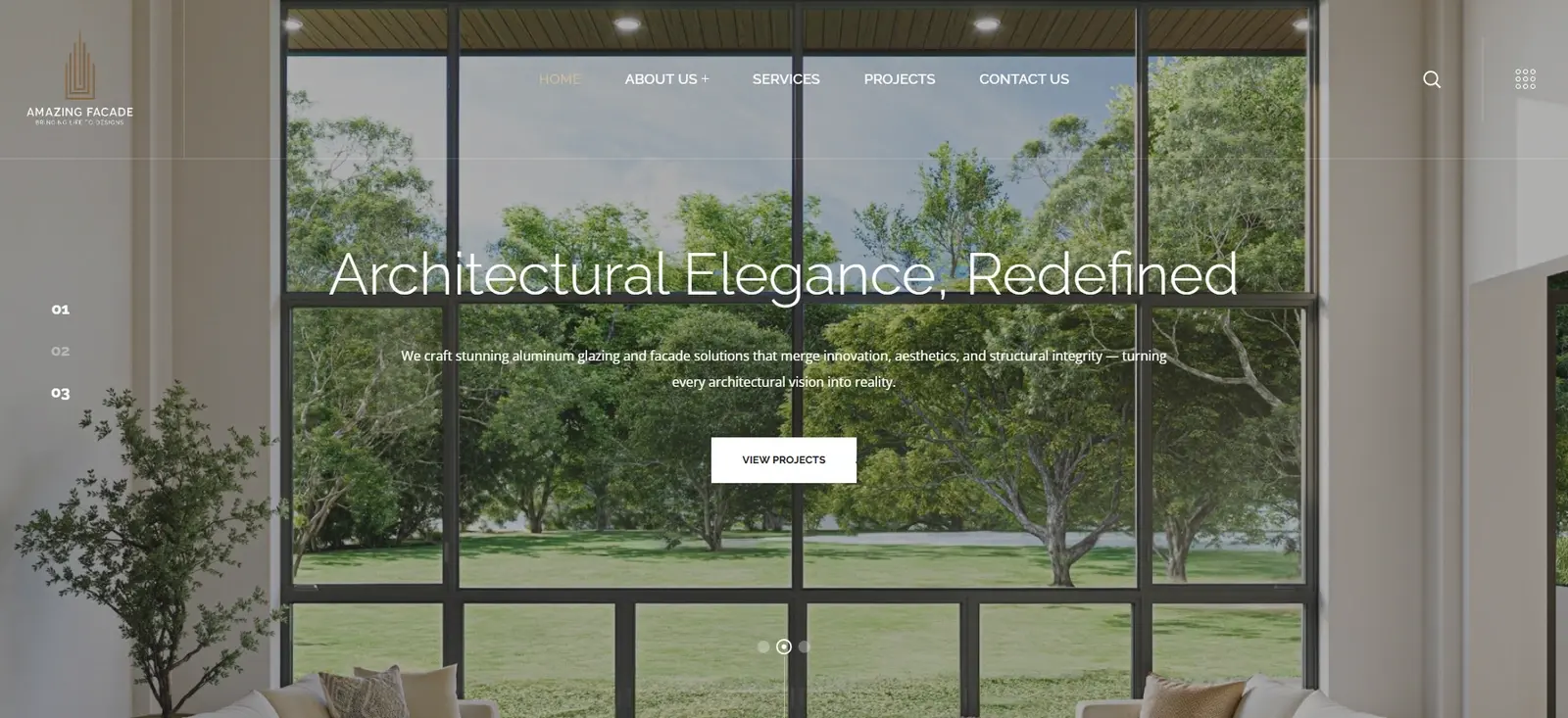
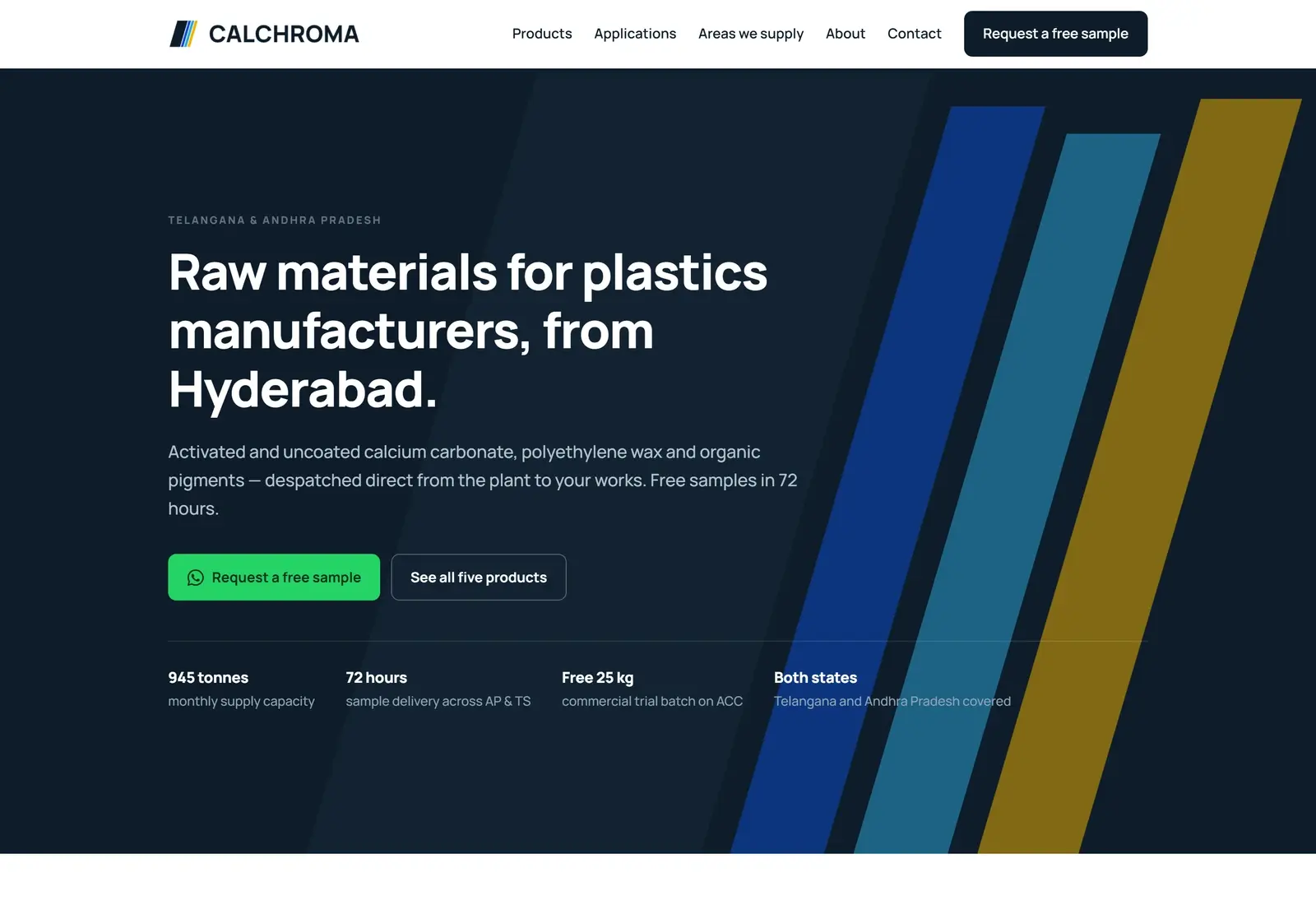
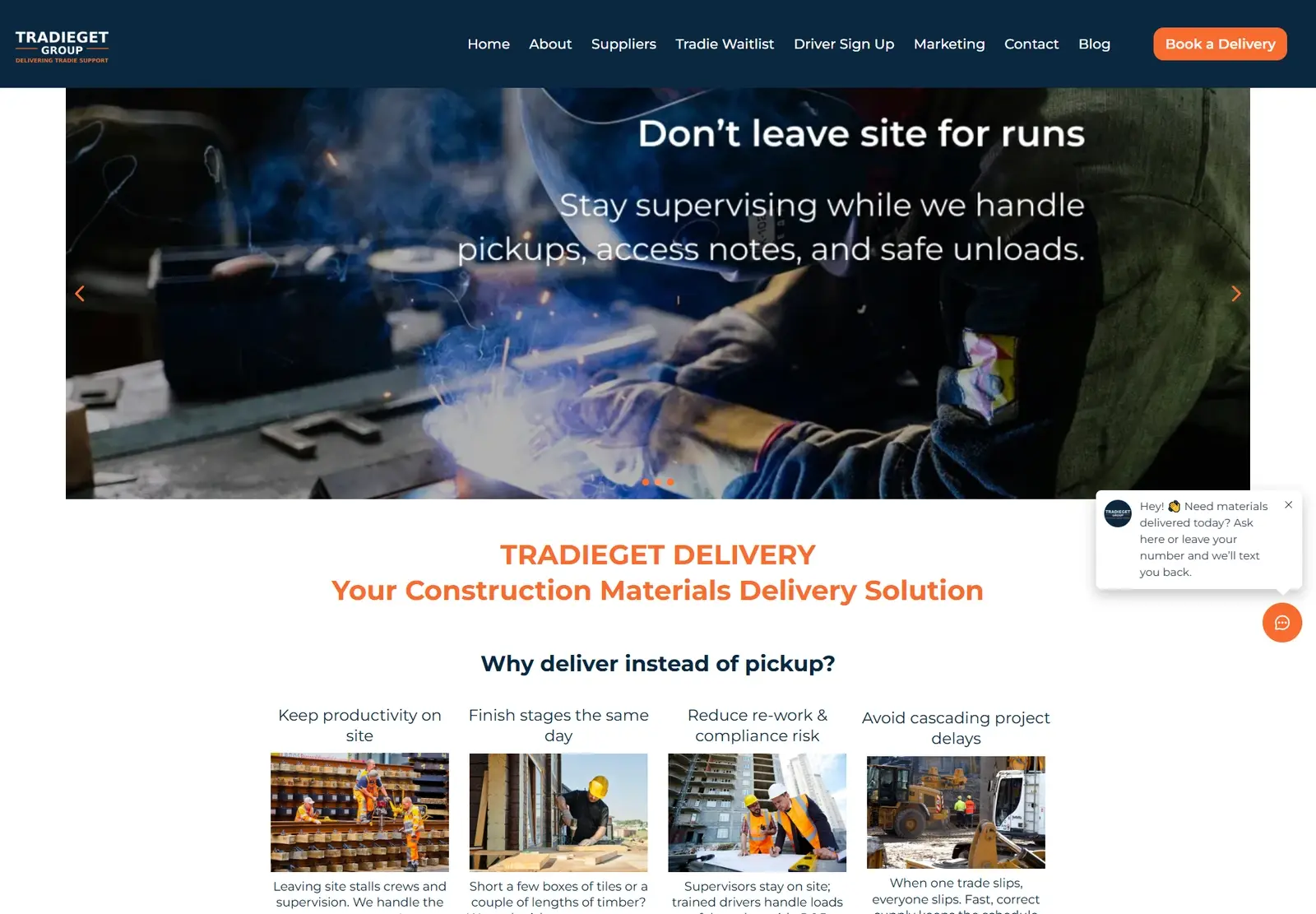

Case studies using Web Design & Development
- Dr Row's Eye CentreEye hospital · Hyderabad
- Calchroma Minerals & AdditivesMinerals & additives supplier · India
- Caere IndiaFacility management · India
- Espi Industries & ChemicalsPharmaceutical development & manufacturing
- TradieGetConstruction delivery · Australia
- Amazing FacadeFacade systems
- Hast SamudrikaPalmistry
- LucknowaleNorth Indian cloud kitchen
- Chatori ChaatIndian chaat restaurant
- Prats KreationClothing brand
- The Travelling PantsHandmade Indian luxury fashion
Questions
The ones people actually ask.
Which platform will you put us on?
We will not know until we have asked who edits the site, how often, and what it has to do. That conversation happens before any design, because the answer changes the build. It is regularly WordPress or Shopify rather than a custom build, and we will say so — we build all three, so the recommendation costs us nothing and saves you the difference.
Do you actually recommend page builders?
Yes, and we build them — a large share of what we ship is a template or a builder, because for a great many sites that is simply the right call. What you get from us is the trade named out loud: a builder buys you speed, a low price and the ability to change things yourself, and it costs you weight and a ceiling. Which of those matters depends on your business, not on our preferences.
Who owns the site when it is finished?
You do — domain, hosting, code and every account, in your name from the start and transferable whenever you ask. Hosting and the domain are recurring costs on your own card rather than ours, so nothing you have paid for evaporates if you stop working with us.
What happens if something breaks after launch?
Sixty days of fixes are part of the build: anything we made that is not working as agreed gets put right at no cost. New pages, new features and content changes are quoted separately, because that is a different thing from something being broken. After the sixty days a maintenance retainer covers it, if you want one.
Is this a project or a retainer?
The build is a project — a defined scope with an end, and you own the result. Looking after it afterwards is a retainer, and it is optional: updates, patches, security, and the small changes that otherwise sit in a queue for months. Plenty of clients take the build and never need the second part.
Can you write the copy and supply the images?
Yes to both, and both are quoted separately. On images the honest order is: your own photographs first, licensed imagery art-directed so it does not look like stock second, and AI-generated visuals where neither exists and the image is illustrative rather than evidential. What we will not do is present stock or generated imagery as photographs of your actual work, premises or people.
Will our search rankings survive a rebuild?
They survive if the redirects are mapped properly, which is why that sits on the standard list rather than being sold as an extra. A rebuild that quietly drops two hundred URLs is the most common way a new site loses money for a business that was doing fine.
Where this usually goes next
Next step
Send us the site you have.
Or the one you wish you had. Either is enough to start from, and the first useful thing we can usually tell you is which platform you ought to be on — including when that is the one you are already paying for.